- Screens designed
- 52
- Platform
- iPad and phone
- Market
- Content needed: country or region
- Our role
- Discovery, documentation, design
Overview
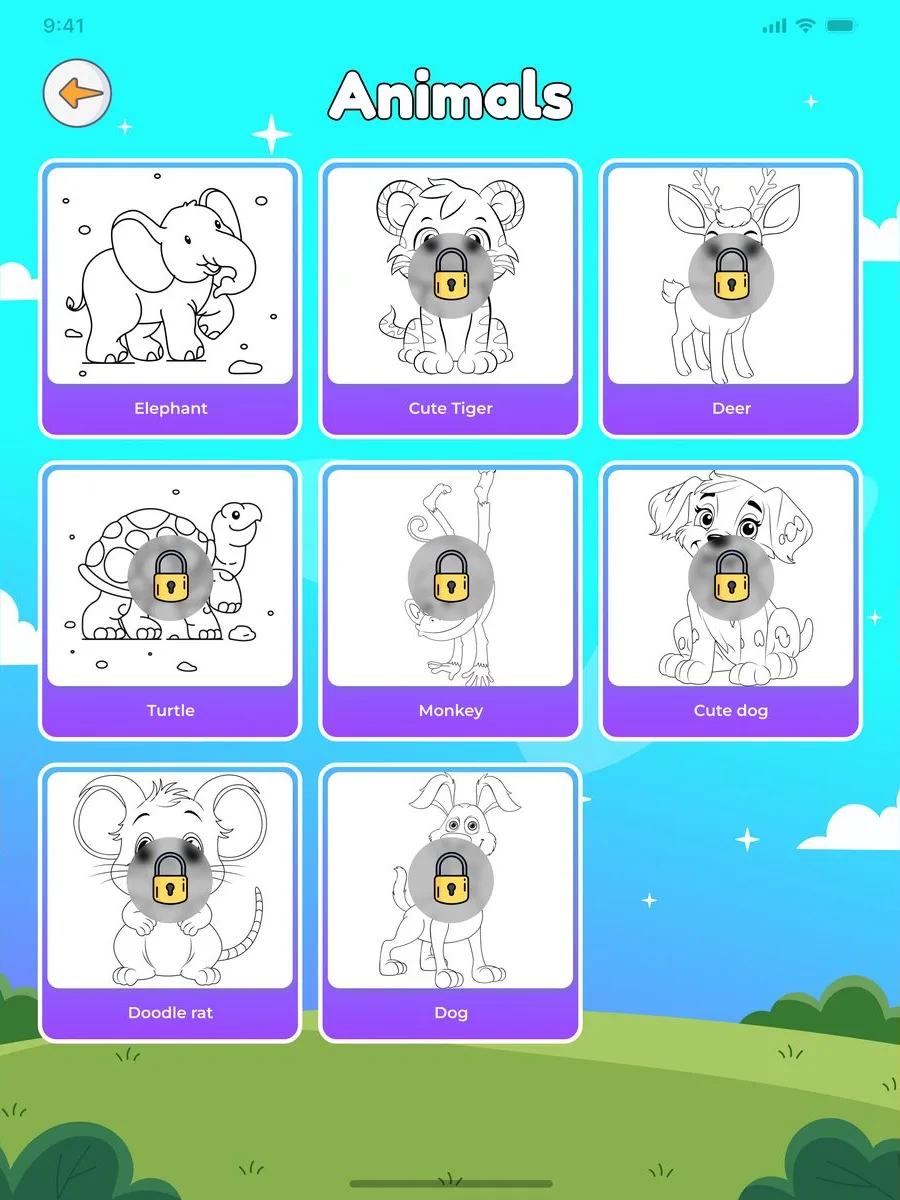
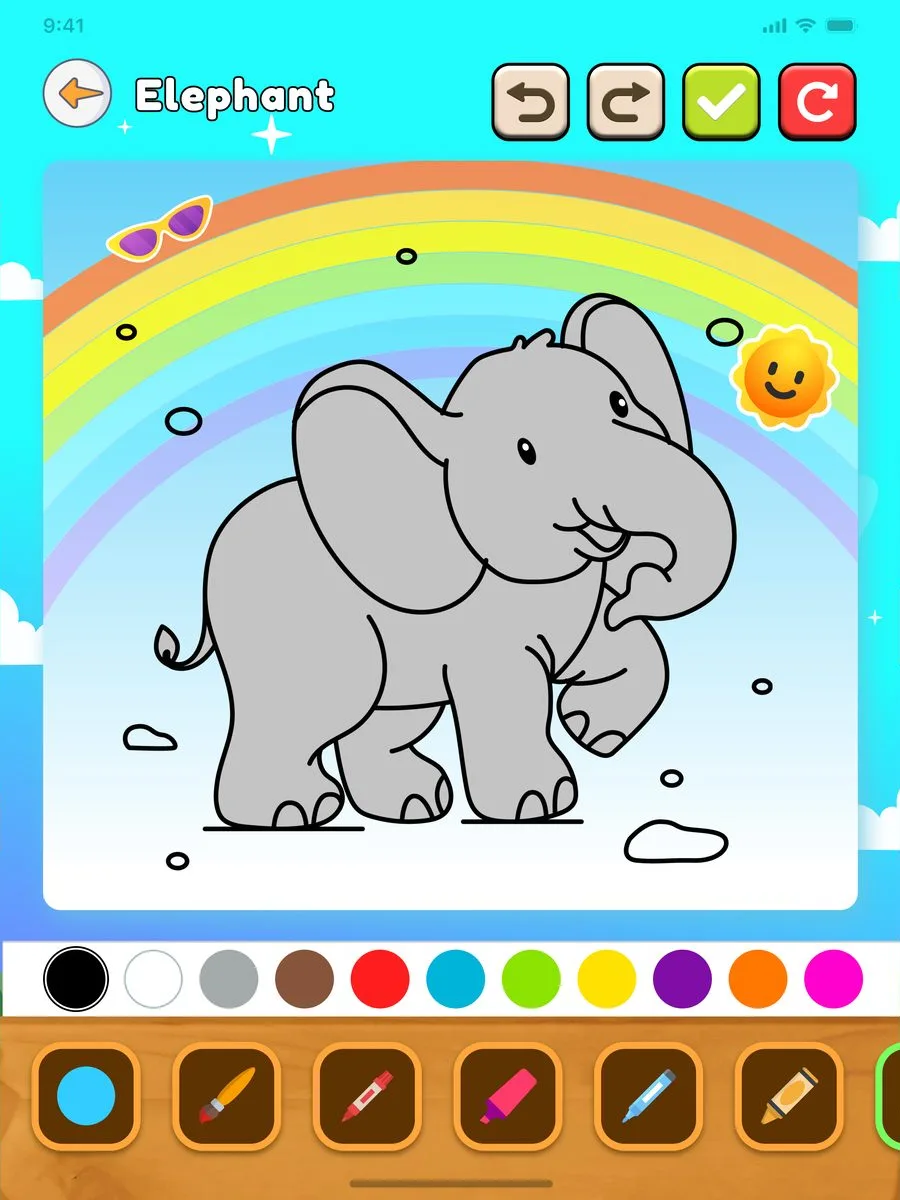
Doodle Meadow is a coloring app designed for young children. Kids pick a category, choose a picture, and color it with markers, spray, and an eraser, then save it to their own gallery.
Parents manage the subscription, profile, and settings, with a sign-up step that unlocks the full library.
What made it complex
- Designed for young children: simple tools and easy undo
- Parents manage the subscription and settings, separate from the child's experience
- A free tier, plus a sign-up step that unlocks the full library
Key decisions we made
What the product does
Every feature below was specified in the requirements and shown in the designs.
- Coloring categories. Animals, food, and more, each with its own pictures.
- Coloring canvas. A full color palette with drawing tools.
- Drawing tools. Markers, spray, and an eraser.
- Undo and redo. Easy correction for small hands.
- My gallery. Finished pictures saved in one place.
- Unlock full access. Sign up to open the complete library.
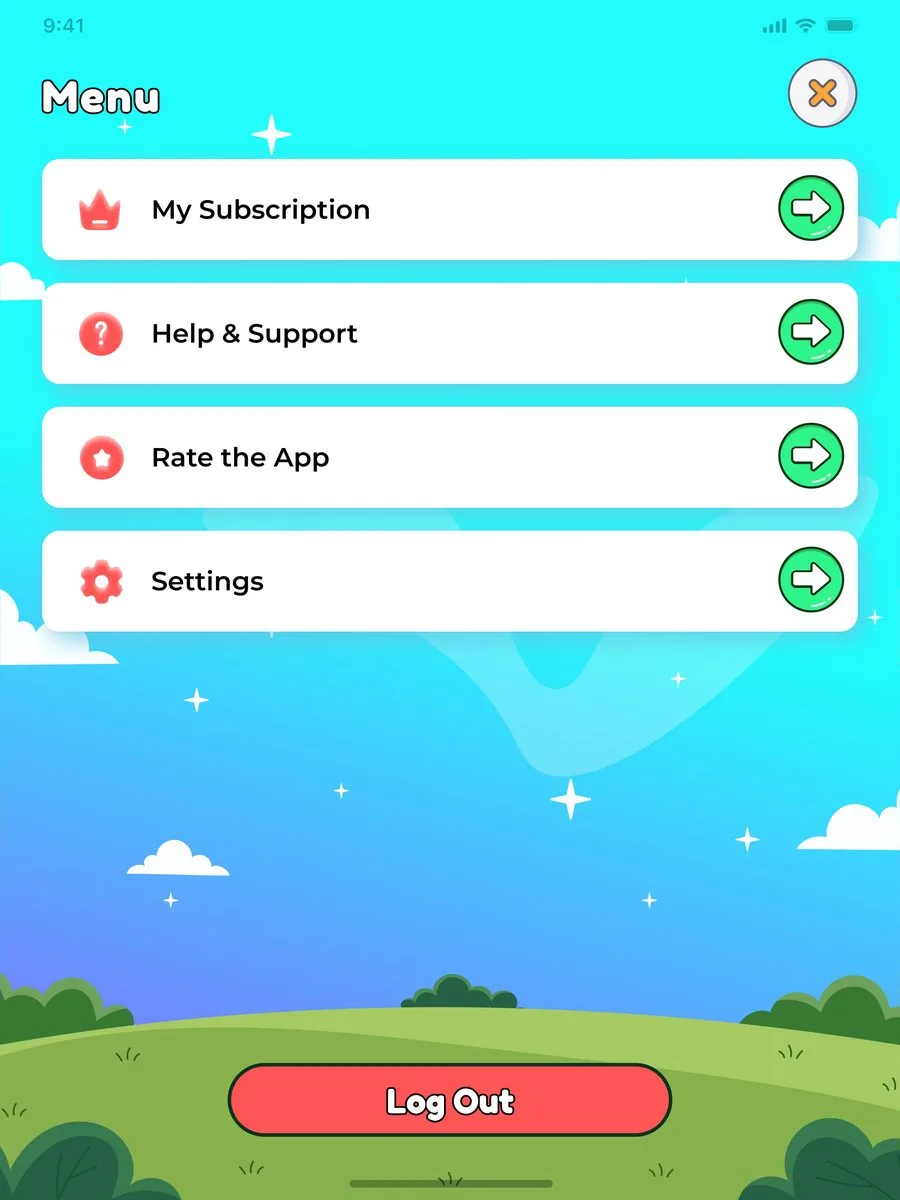
- Subscription. Manage the plan, profile, and payment method.
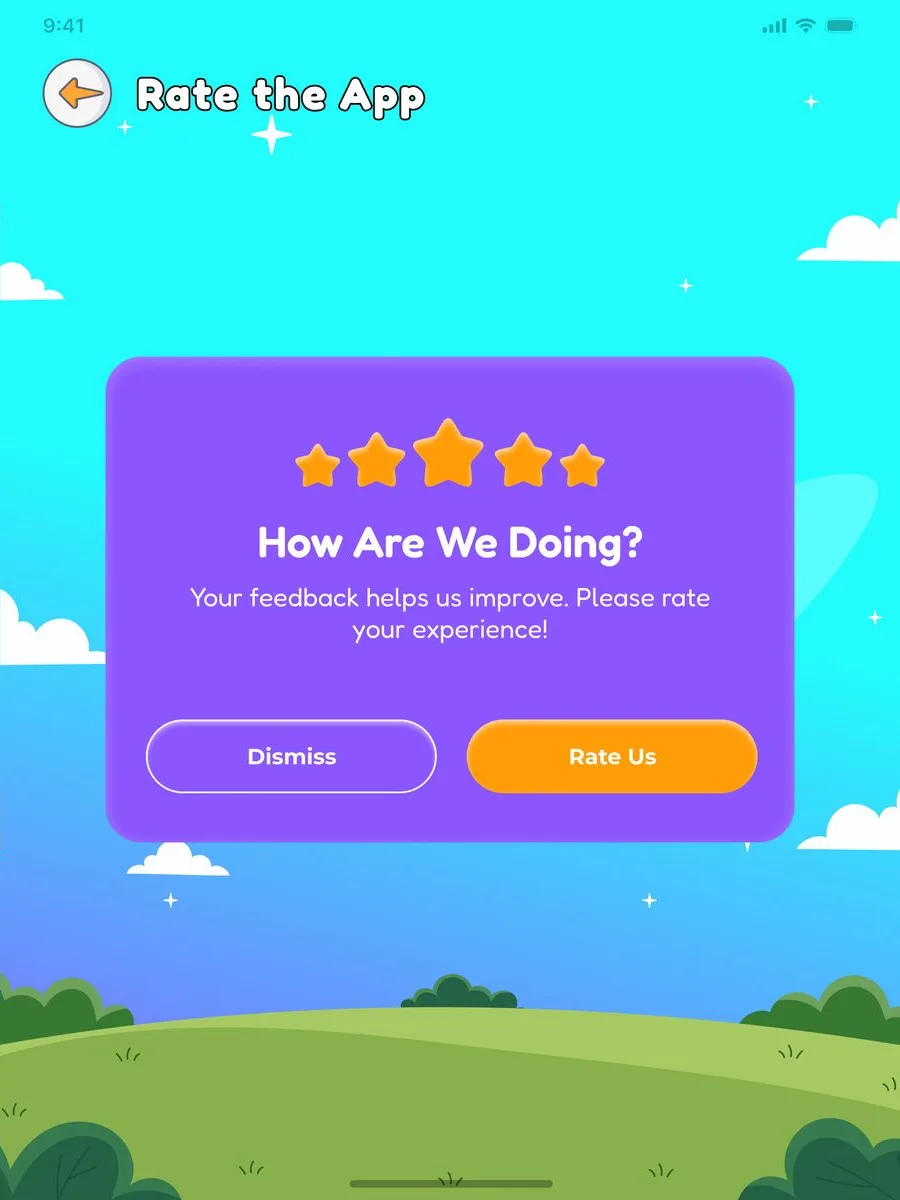
- Help and support. FAQs, a contact form, and app rating.
- Notifications. Updates on new pictures and features.
How we worked
Discovery sessions, then business, functional and technical requirements and a data model, then design and handover. Every screen traces back to a documented requirement.
What the client received
Plain names first; the short labels are what developers call each document.
Business Requirements Document
Business goals, users, scope, and success measures.
Functional Specification Document
Every feature, flow, business rule, and screen behavior.
Technical Requirements Document
Architecture, integrations, security, and performance requirements.
Entity Relationship Diagram
The data model behind the product and how its records connect.
UX and UI design
52 screens, ready for development handover.
A look inside the product
5 of the 52 screens we designed. Scroll or swipe to see more.
Outcome
Content needed: a real quote from this client, two or three sentences, in their own words
Have a product like this in mind?
We start with discovery: requirements, documentation and design that any development team can quote and build from.
Free and without obligation. Content needed: call length
- Before the callWe read what you sent, so the call starts with your problem.
- On the callWe ask questions, listen, and explain how we would approach it.
- After the callIf we are a fit, a written proposal with a fixed scope follows. If not, we say so.